Connection Setup
Setting up TikTok on Feedlio
To unlock Feedlio’s full publishing suite, you must connect your TikTok account.
Steps to Connect TikTok to Feedlio
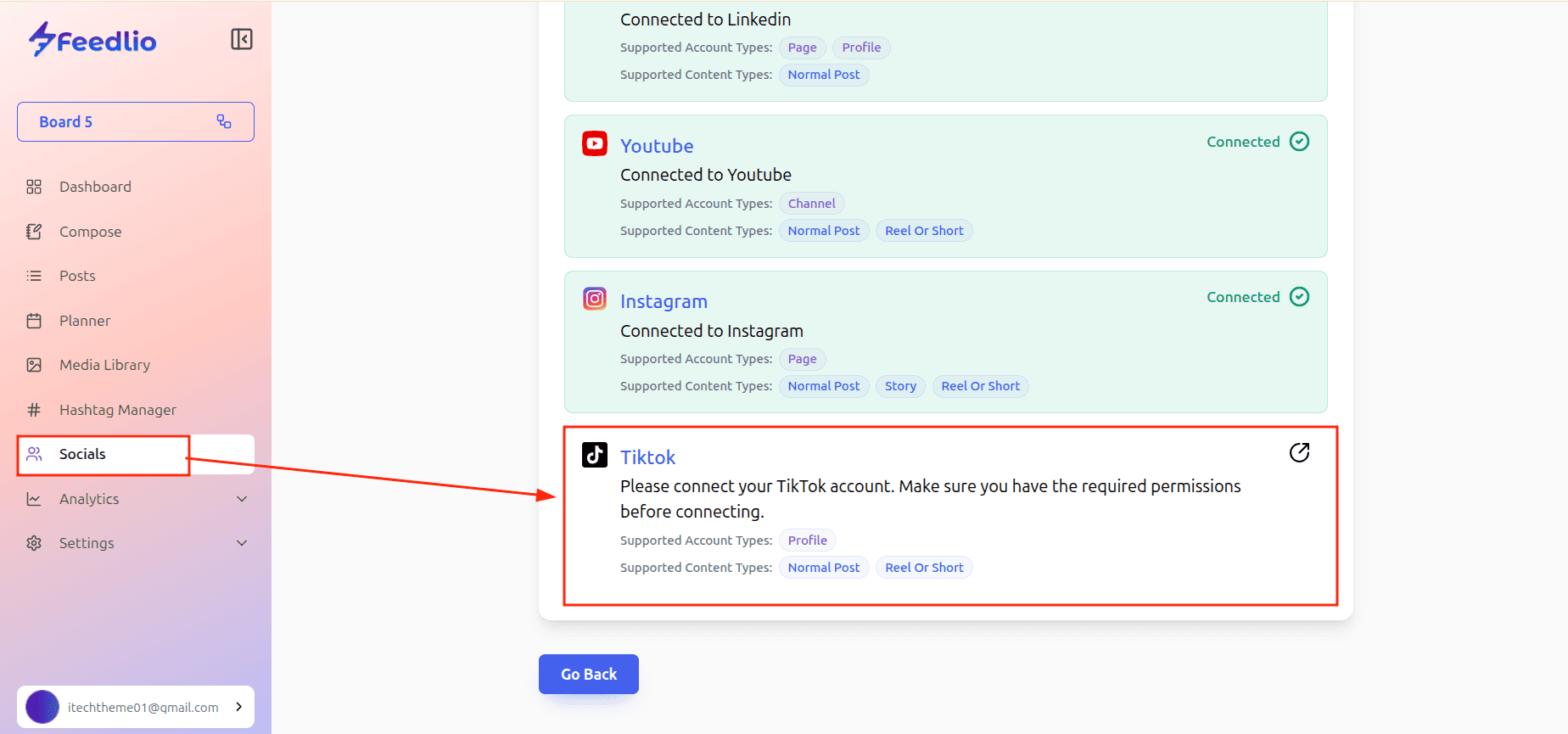
- Open Feedlio: Navigate to the Socials menu in your left-hand sidebar.
- Add Account: Click the + Add Social button.
- Choose TikTok: Select TikTok from the list of available platforms.
- Authenticate: A window will pop up asking you to log in to your TikTok account. Use the credentials for the specific account.
- Authorize Permissions: TikTok will ask if you want to grant Feedlio access to manage your account. Review the permissions and click Authorize.
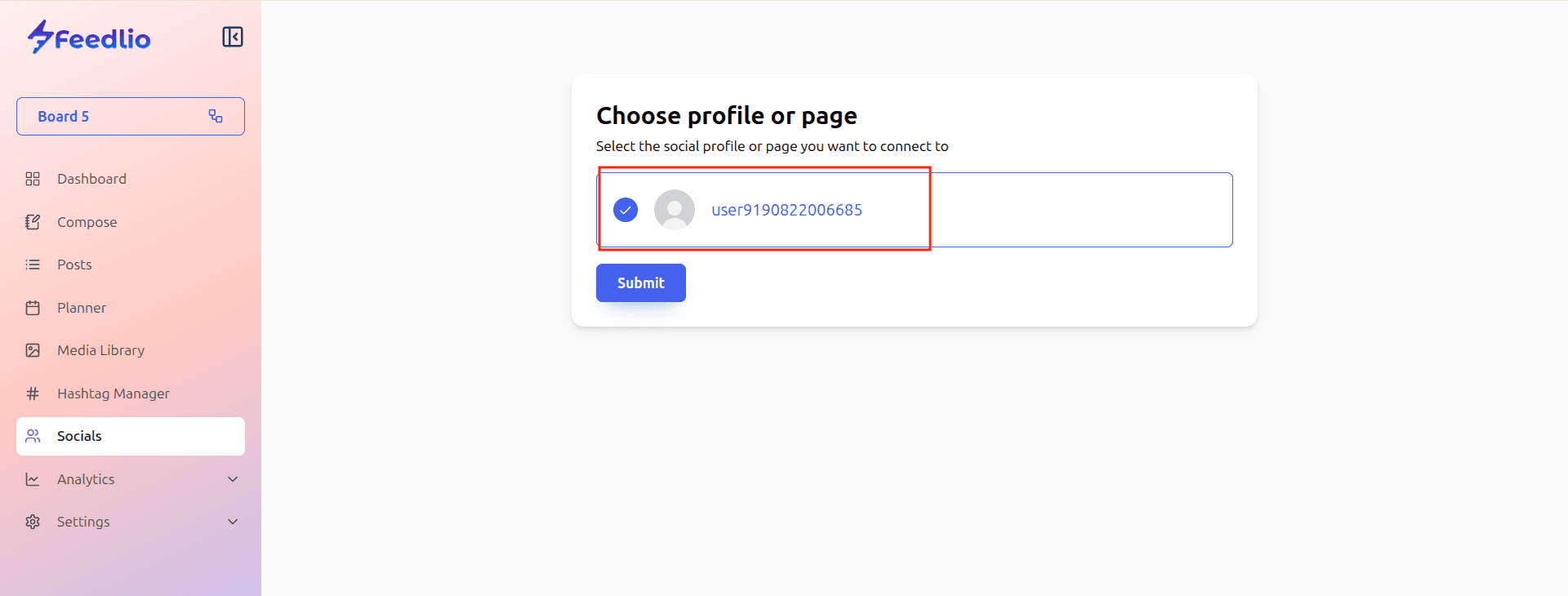
- Confirmation: Once you are redirected back to Feedlio, your TikTok account should appear in your connected list, ready for scheduling.