Settings
Billing
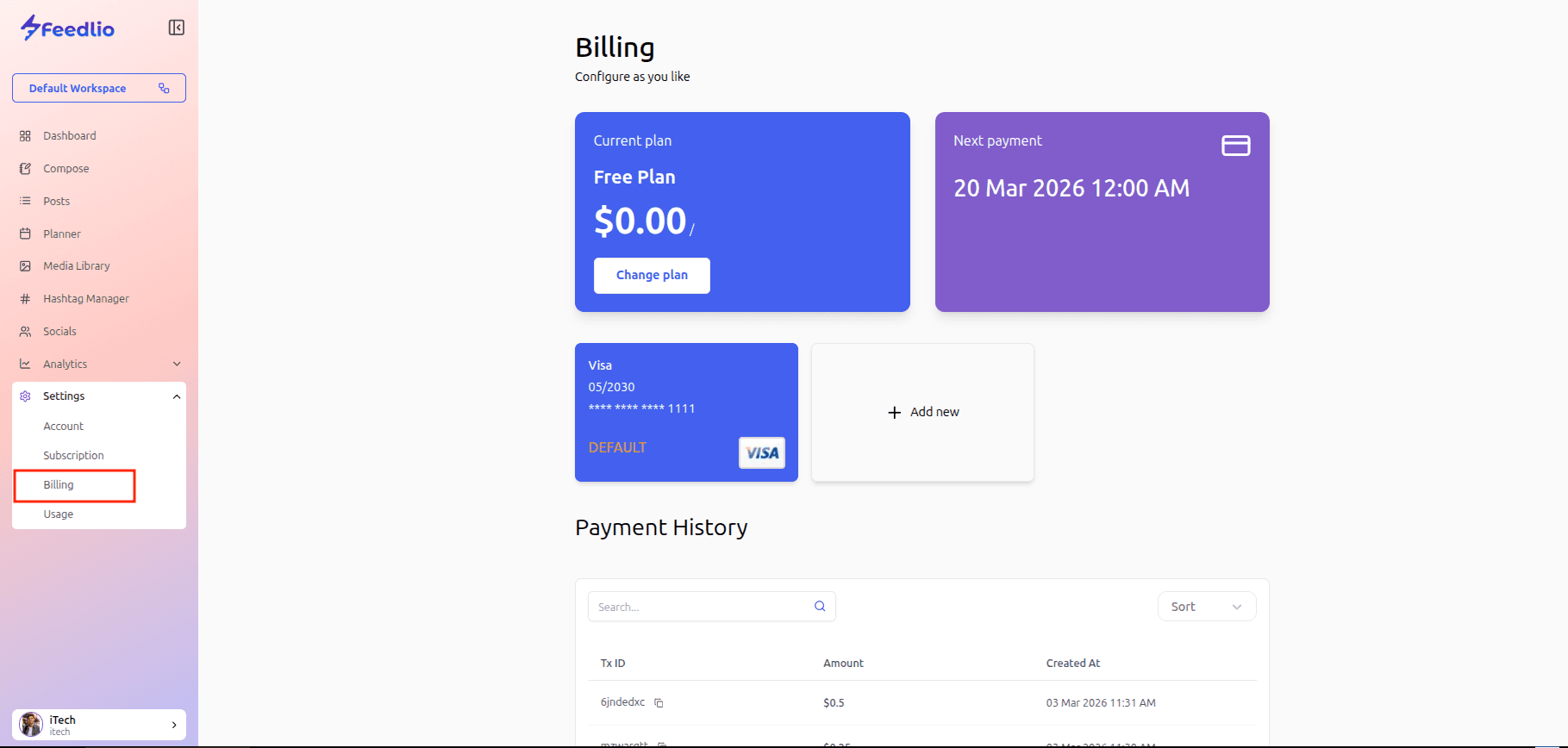
The Billing page within the Feedlio dashboard. This section allows you to manage your financial information and view your payment history.
Key features of this page include:
- Current Plan Overview: It displays your active subscription plan.
- Next Payment Date: This section provides a summary of your next scheduled payment date and time.
- Payment Method Management: You can view your default payment method and add new payment options.
- Payment History: At the bottom of the page, there is a detailed table showing your transaction history, including Transaction IDs (Tx ID), amounts, and the dates the transactions were created.
You can navigate to this page at any time by selecting Billing under the Settings menu in the left sidebar.