Workspace Management
Setting up a Workspace
Use Feedlio workspaces to stay organized and keep your projects distinct.
How to use workspaces
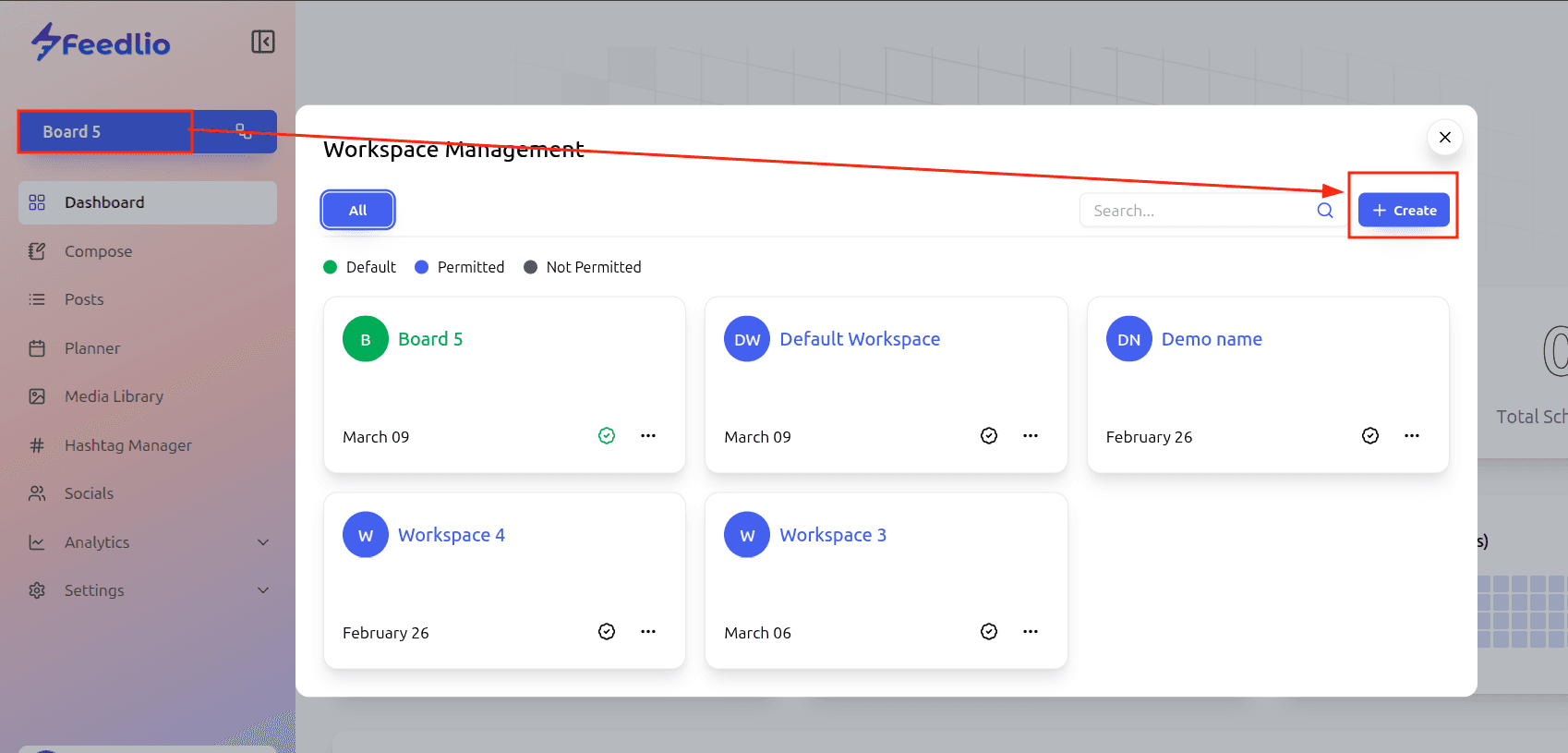
To create a new workspace, click the workspace button in the left sidebar menu to open the Workspace Management pop-up. Next, click the + Create button to open the Create New Workspace window.
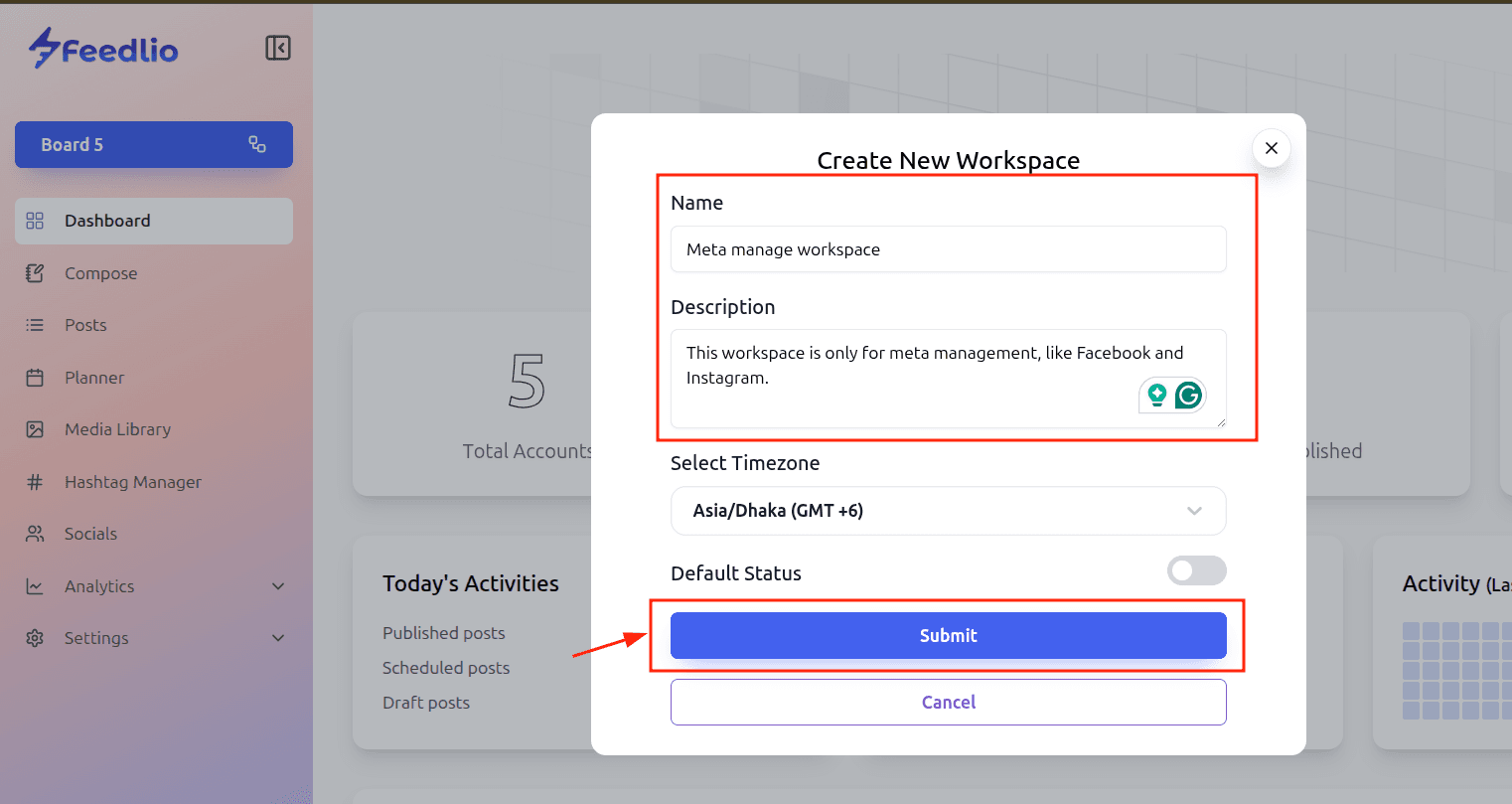
From there, enter the workspace name and description, select your preferred timezone, and set the status. Finally, click the Submit button to save your new workspace.